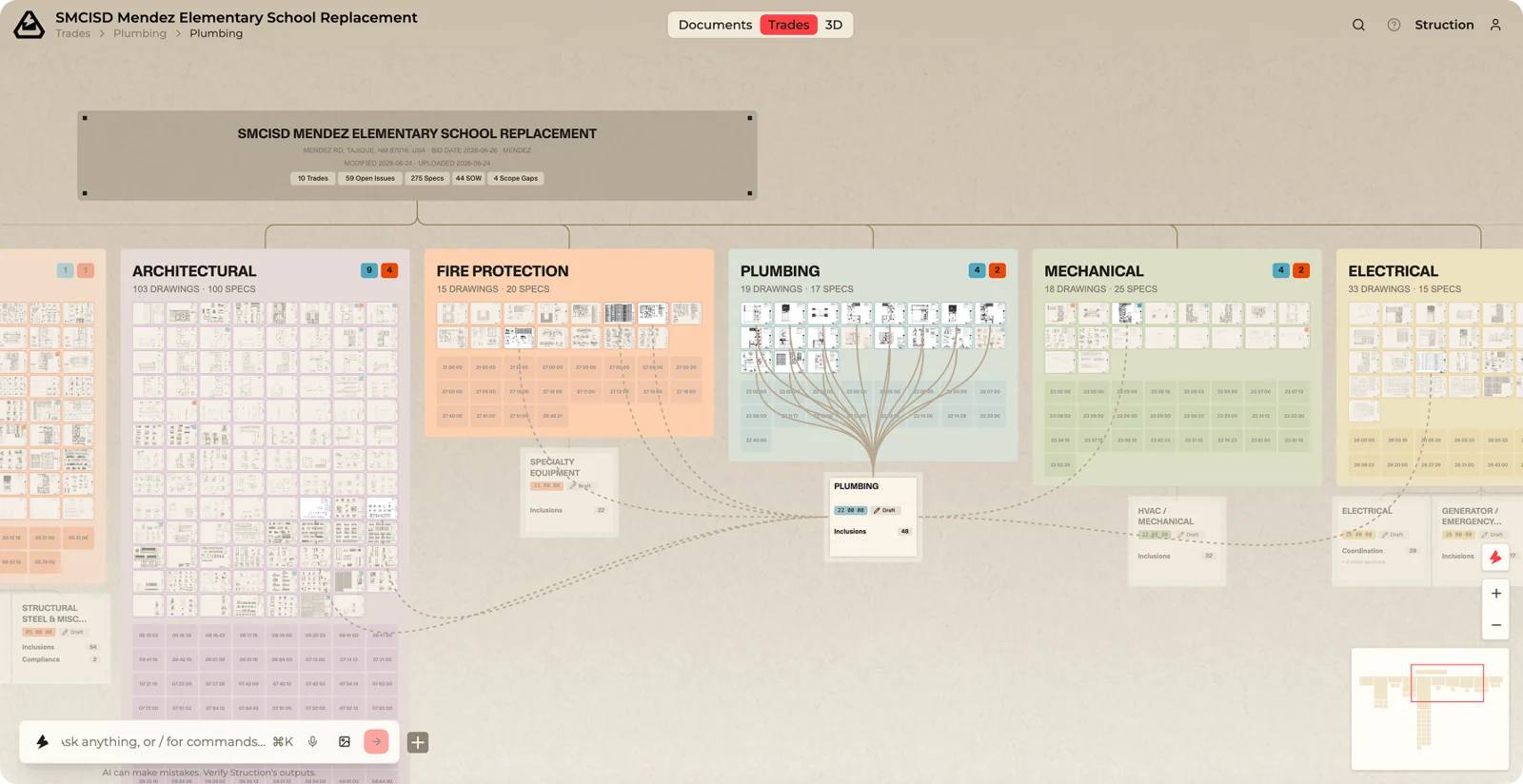
Filter & Search
A project can have thousands of pages. To cut through it:
- Click any item to highlight everything it connects to.
- Search by name or content.
- Ask chat in plain language — e.g. show me only HVAC or highlight the sheets the Drywall scope pulls from.
When you filter, Struction brightens what matches and dims everything else — it never hides anything. The shape of your project stays the same, so you keep your sense of where you are. Clear the filter anytime to bring it all back.