Split-Screen
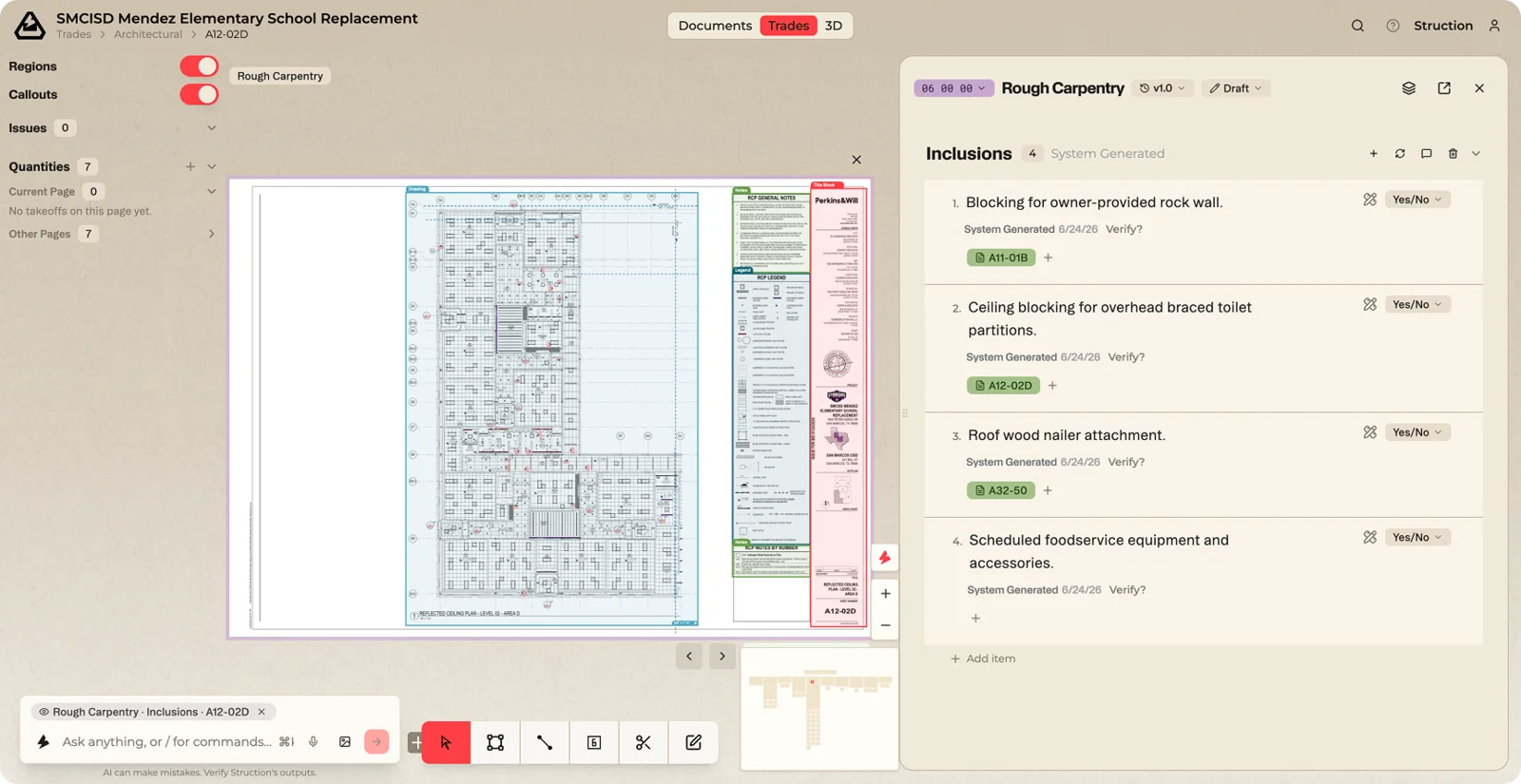
Split-screen puts two items side by side so you can check that they agree. The map and your focused item stay on the left; a detail panel opens on the right. Right-click any item and choose *Open in Split-Screen*.
This is how you verify ground truth when something feels off.
Workflow example — A spec calls for a 20-ton rooftop unit, but the mechanical plan looks like a 15-ton. Put the drawing on the left and the spec on the right, see the conflict directly, and create an RFI without ever losing track of where you are in the project.