Focus View
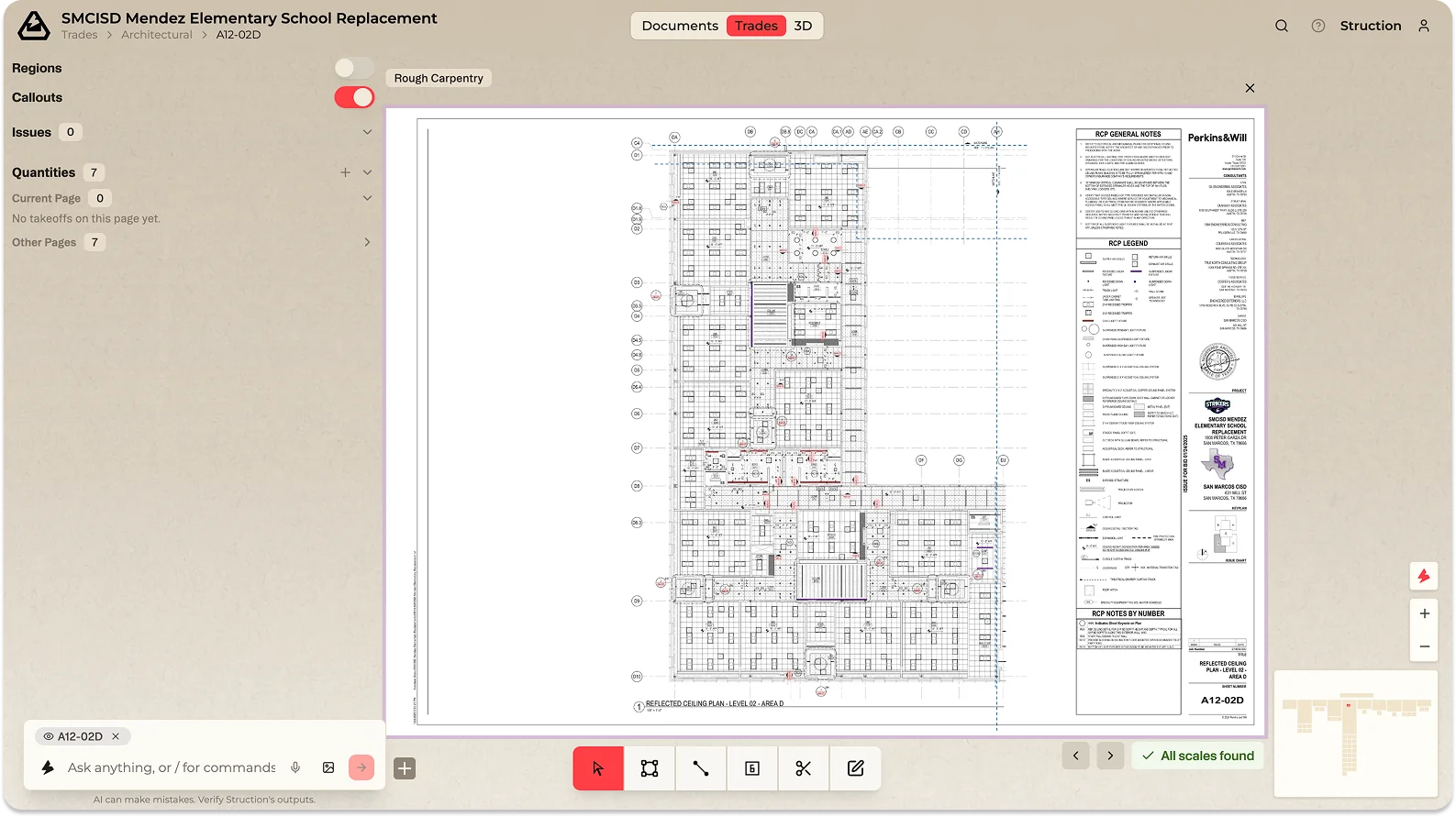
When you want to read one thing carefully — a drawing, a spec section, a scope, the Risk Register — open it in Focus View. It fills the screen for close reading and editing, while the map stays visible at the edges so you never lose your bearings.
Single-click an item when zoomed in, or right-click and choose Open in Focus. Press Escape or zoom out to leave.